E7777 Game APK (Download Latest Version) Easy Mobile Guide
Description
Mobile gaming users often look for platforms that are easy to understand and simple to explore on their phones. E7777 Game is a name people may search for when exploring online gaming options, account access, and mobile entertainment. Before using any gaming service, it is helpful to learn about its download process, account setup, available features, and safety requirements.

This guide explains the main things users should check before accessing E7777 Game. It covers installation guidance, registration, login, platform features, payment information, and common questions. The language is simple, so new users can understand the basic steps without difficulty.
What Is E7777 Game?
E7777 Game is a name associated with searches for mobile and online gaming services. The exact features depend on the specific website or application connected to this name. Users should check the provider’s information before deciding whether the platform meets their needs.
A well-organised gaming service may include game information, account settings, help sections, and other tools. However, users should confirm which options are actually available rather than relying on advertisements or unsupported claims.
Introduction to the Gaming Platform
Understanding a E7777 Game before using it can help users make better decisions. Start by checking its website, provider details, privacy policy, and terms of service. These details can explain how the service operates and what users need before accessing its features.
A clear layout can make browsing easier on smaller screens. Users should also look for readable instructions, accessible account settings, and clear information about any paid services.
E7777 Game APK Download Guide
Users searching for an E7777 Game APK download should verify the source before downloading a file. APK files are Android application packages, but installing a package from an unknown website may expose a device to security risks.
Follow these general steps:
- Locate the provider’s verified website apklogic.com.pk
- Check the application name and available version information.
- Review the stated device requirements and file details.
- Download only when the source can be trusted.
- Scan the file with reputable security software where possible.
- Review the permissions requested during installation.
- Stop if the file or website appears suspicious.
The current version and file size should be confirmed before publication because these details may change.
Steps to Install on Android
Android installation steps can differ according to the file source and device settings. Before proceeding, make sure the file is intended for your device and comes from a trustworthy provider.
Open the downloaded file only after completing your security checks. Follow the instructions displayed by Android and carefully review any permission request. Avoid granting access to contacts, messages, files, or other information unless it is necessary and clearly explained.
Do not disable built-in security protections just to install an unfamiliar application. If the source cannot be verified, it is safer not to continue.
Check Device Compatibility
Compatibility is an important part of the download process. An application may require a particular Android version, available storage space, or other device capabilities. These requirements should be checked before attempting installation.
Keep your operating system updated when possible and maintain enough free storage for normal device operation. A stable internet connection can also help when opening web pages or downloading files.
Do not assume that an Android package will work on an iPhone. iOS applications use different installation methods, so users should check whether a genuine iOS version is available from a trusted source.
How to Create an Account E7777 Game?
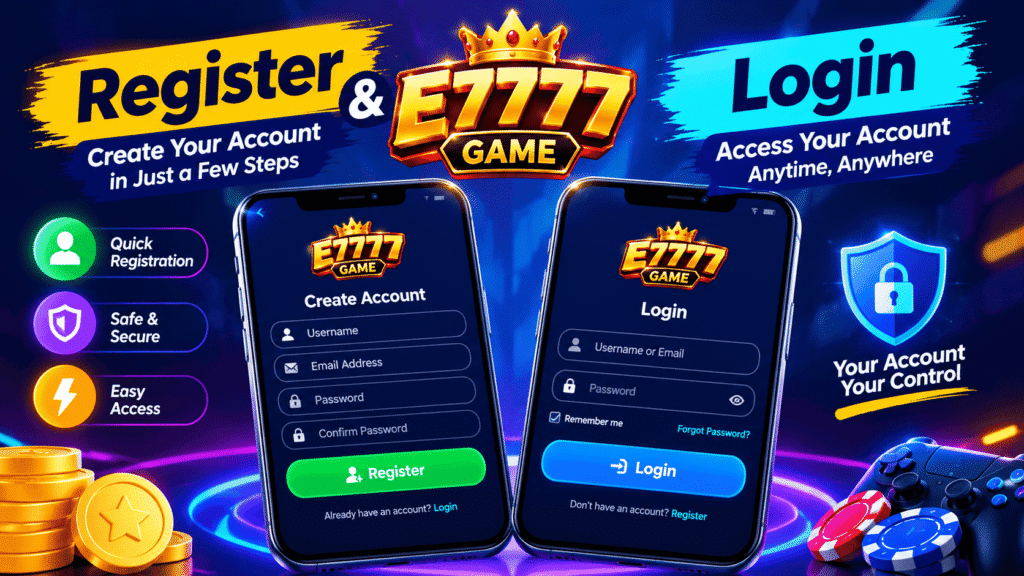
Some gaming services require an account before users can access certain sections. If registration is available, open the verified platform and select the Register or Sign Up option.
Read the instructions before entering any information. Provide only the details required by the service, create a strong password, and complete any legitimate verification step.
Check the terms and privacy policy before submitting the form. Never use another person’s personal information or create extra accounts to bypass platform restrictions.
Easy Login Instructions E7777 Game
Returning users can look for a Login or Sign In option on the verified website or application. Enter the account information requested by the platform and complete any required security check.
If login fails, check your internet connection and review the information you entered. Make sure there are no typing mistakes and that you are using the correct website.
For password problems, use the provider’s available recovery process. Never send your password or verification code to someone claiming they can access or restore your account.
Main Features to Explore
The available features should be checked directly because services may differ between websites and application versions. The following points are useful when reviewing a gaming platform.
- Easy menus: Clearly labelled sections can make browsing more convenient.
- Account settings: Accessible settings can help users review their profile and security options.
- Game instructions: Clear rules help users understand how individual games work.
- Mobile layout: Responsive pages can improve readability on smaller screens.
- Support information: Contact details and help pages can assist with common problems.
- Privacy details: A clear policy helps users understand how their information may be handled.
These are evaluation points, not confirmation that every feature is available on E7777 Game.
Explore the Available Game Sections
Different gaming platforms may organise their content into separate categories. Before selecting a game, read its description and instructions to understand the rules, requirements, and any costs involved.
Look for information that explains how to play, whether an internet connection is necessary, and whether the activity involves real money. Do not assume that every game has the same rules or payment conditions.
If a section contains unclear instructions or misleading promises, avoid using it until you can verify the details.
Mobile Navigation and User Experience
A mobile-friendly layout helps users read information and access controls on a phone. Menus should be understandable, buttons should be easy to select, and important information should not require excessive scrolling.
When browsing E7777 Game, check whether the available pages work properly on your device. If a page repeatedly redirects, displays suspicious advertisements, or asks for unnecessary permissions, leave it rather than continuing.
Good navigation can improve convenience, but a polished design does not prove that a service is secure or trustworthy.
Deposit Information and Payment Checks
If the verified service supports deposits, review its payment instructions before transferring money. Check the supported methods, minimum amount, transaction charges, and account requirements.
Confirm the recipient details carefully and keep a record of the transaction. Never send money to a personal account simply because someone claims to represent the platform.
Avoid making a deposit to unlock a promised reward or guaranteed profit. If payment information is incomplete or difficult to verify, do not proceed until the provider explains the conditions clearly.
Withdrawal Process and Important Rules
Withdrawal options depend on the particular service and its current terms. If withdrawals are supported, read the eligibility requirements, processing rules, possible fees, and verification conditions before making a request.
Keep transaction references and receipts for your records. If a payment is delayed, contact the provider through a verified support channel and share only the information needed to investigate the issue.
Never pay an unexpected release charge without independently verifying it. No gaming service should be treated as a guaranteed source of income.
Account Safety and Privacy Tips
Protecting personal information is essential when using any online platform. Use a unique password and keep verification codes private. Avoid signing in through links received from unknown messages or advertisements.
Review the requested permissions before installing an application. Check the privacy policy to understand what information may be collected and how it may be used.
If you notice unusual account activity, change your password through the verified service and seek help from its legitimate support team. Avoid sharing identity documents or financial details with unverified contacts.
Pros and Cons
Every platform should be evaluated according to its actual services, security information, and user requirements.
Pros
- A clear interface may make navigation easier.
- Mobile-friendly pages can improve readability.
- Organised menus can help users locate account options.
- Useful instructions may make basic tasks easier to understand.
Cons
- Unknown download sources can create security risks.
- Device compatibility may vary.
- Payment terms may require careful checking.
- Real-money gaming can result in financial losses.
These points are general considerations and should not be taken as verified user reviews or confirmed platform ratings.
Frequently Asked Questions
What is E7777 Game?
How can I register an account?
How do I log in to my account?
How can I download E7777 Game?
What should I know about deposits and withdrawals?
Are bonuses available on E7777 Game?
Conclusion
E7777 Game is a name people may explore when looking for mobile gaming options. Before downloading an application or creating an account, take time to check the provider, device requirements, privacy information, and available terms. Use trusted sources, protect your login details, and understand payment conditions before making any financial decision.
Real-money gaming carries risk and does not guarantee earnings. Careful research can help users avoid suspicious downloads, unclear terms, and unnecessary account problems. Choose a service only after reviewing the information available and confirming that its use is lawful in your location.
What's new
E7777 Game offers a simple mobile gaming interface with easy navigation and different game options. Users can explore account features check available bonuses review deposit and withdrawal details and learn about registration and login steps.