92BLAZE Game APK (New Earning App 2026) Free Download
32MBs
v1.0
Android 5
287k+
Description
Table of Contents
- 01. What Is 92BLAZE Game?
- 02. 92BLAZE Latest Version
- 03. 92BLAZE Game Features
- 04. 92BLAZE Game Categories
- 05. 92BLAZE Casino Section
- 06. How to Download 92BLAZE Game APK?
- 07. 92BLAZE Game Login and Registration Guide
- 08. 92BLAZE Game Deposit and Withdrawal Guide
- 09. 92BLAZE Game Requirements
- 10. 92BLAZE Game Update
- 11. 92BLAZE Game in Pakistan
- 12. 92BLAZE Game Safety Tips
- 13. Customer Services
- 14. Pros and Cons
- 15. Frequently Asked Questions
- 16. Conclusion
- 17. Disclaimer
92BLAZE Game is a mobile entertainment platform designed for Android users who want to explore different gaming options. Its interface, navigation menus, and available sections provide basic information for beginners interested in mobile gaming.
The APK file offers an installation option for compatible Android devices. Before downloading, check the available version, device requirements, storage space, and reliability of the file source.
This guide explains the download process, installation steps, account setup, login options, main features, gaming categories, payment information, and privacy considerations. It also covers basic troubleshooting and safety precautions to help new users understand the platform.
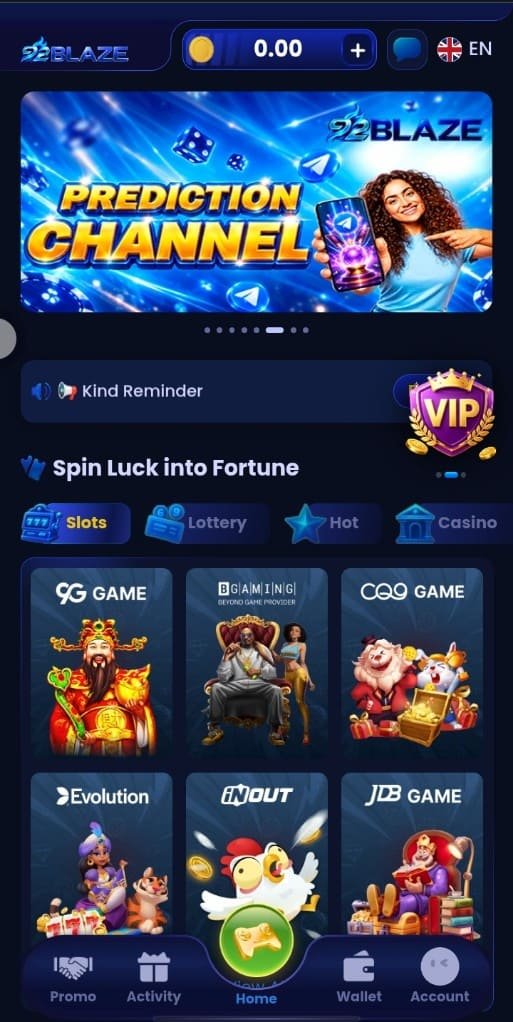
What Is 92BLAZE Game?
92BLAZE is a mobile entertainment platform that users can explore through a compatible device. Its mobile-friendly layout provides access to different menus and available sections, helping beginners become familiar with the interface.
Users searching for 92BLAZE Game for Android often want details about APK installation, account access, and available software versions. The interface, supported features, and requirements may change with future updates.
Before getting started, it is helpful to review the main sections, understand the available settings, and check basic device compatibility. These simple steps can help users navigate the application more confidently. Discover new gaming options for Android and IOS users Y999 Game and PAK67 Game
92BLAZE Latest Version
Checking the 92BLAZE Latest Version is an important step before installing an APK. A newer release may include interface changes, technical improvements, bug fixes, or compatibility updates.
The 92BLAZE Game Latest Version should be checked against your Android device before installation. Make sure the phone has enough free space and that the downloaded file matches the required version.
If you already have an older release, review the new version details before replacing it. Keeping the platform updated can also help maintain compatibility with newer Android systems.
92BLAZE Game Features
The 92BLAZE Game Features section helps new users understand what they may find on the platform. Features can vary according to the current version, but users generally look for simple navigation and clearly arranged sections.
Some useful areas may include:
- Mobile-friendly interface
- Simple menu structure
- Different gaming categories
- Account access section
- Updated platform information
- Android-focused access
- Easy navigation between sections
- Regular version improvements
The available features can change over time. For accurate information, users should check the current version instead of relying only on older screenshots or descriptions.
92BLAZE Game Categories
The 92BLAZE Game Categories can help users locate different sections without moving through the whole platform. A clear category system is especially useful for beginners.
Depending on the current version, users may find different gaming and entertainment sections. Each category can have its own layout and options.
Users should explore the available sections carefully and read the information shown on the screen. This makes it easier to understand the platform before using any particular feature.
92BLAZE Casino Section
The 92BLAZE Casino section may attract users who want to explore casino-style entertainment on a mobile device. The exact games and categories can depend on the current platform version.
Users may find sections such as slots, table-style games, card-based options, or other casino entertainment. Availability can change with updates, so the current platform menu should always be checked.
New users should learn how each section works before continuing. It is also important to follow the applicable rules and age requirements in the user’s location.
How to Download 92BLAZE Game APK?
Getting the 92BLAZE Game APK on an Android phone can be simple when you check the basic details first. Follow these easy steps:
- Check the current APK version.
- Make sure your Android phone is compatible.
- Free some storage space if needed.
- Choose a trusted APK source apklogic.com.pk
- Begin the 92BLAZE APK Download.
- Let the file download completely.
- Open your phone’s download folder.
- Check the file details before installation.
Taking a moment to check the version and device requirements can make the setup process smoother.
92BLAZE Game Login and Registration Guide
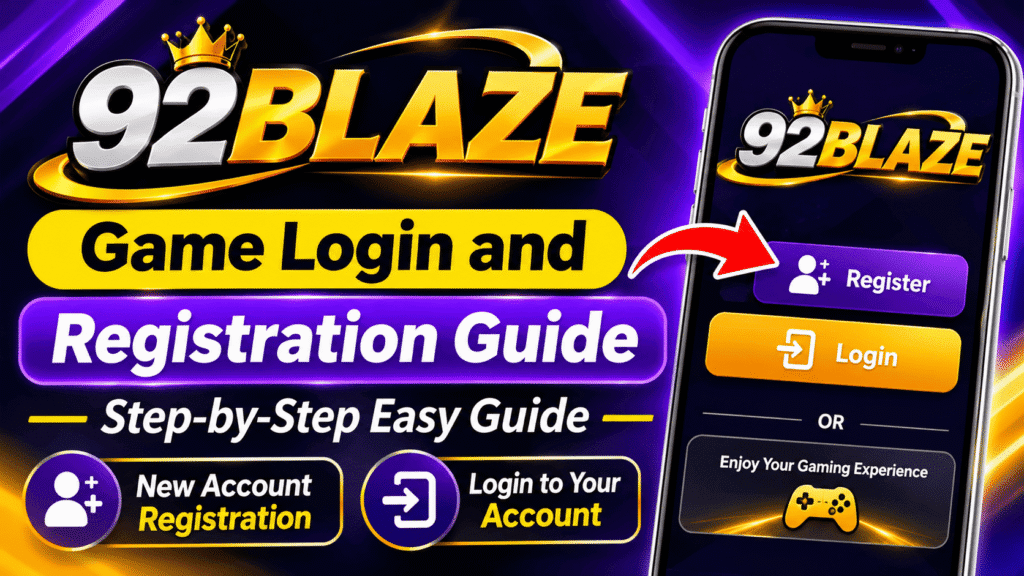
92BLAZE Game Login allows existing account holders to access their accounts when login services are available. New users may need to complete 92BLAZE Game Registration first.
During registration, enter the required details carefully. Check the information before submitting it and keep your account credentials private.
If you forget your login details, use the available recovery option rather than sharing private information with another person. Never give passwords or verification codes to unknown individuals.
Step-by-Step Guide:
- Open the available app or supported website.
- Find the Login or Register option.
- New users should select Register.
- Enter the requested information carefully.
- Review your details before submitting.
- Existing users can enter their login credentials.
- If login fails, check your details or use the recovery option.
Helpful Tip: Always use a trusted access source and review the platform’s privacy and security information before creating an account.
92BLAZE Game Deposit and Withdrawal Guide
The 92BLAZE Game Deposit and Withdrawal section provides information about available payment options, transaction steps, and account balance management. Payment methods and transaction availability may vary depending on the platform.
Deposit Guide:
- Open your account and look for the Deposit section.
- Review the available payment methods.
- Check the minimum deposit amount and transaction conditions.
- Follow the displayed payment instructions.
- Review the details before confirming any transaction.
- Keep your transaction receipt for future reference.
Withdrawal Guide:
- Open the Withdrawal section.
- Review the available withdrawal methods.
- Check the minimum withdrawal requirements.
- Enter the requested information carefully.
- Review the withdrawal details before submitting.
- Check the transaction status through your account.
Important Safety Tips:
- Never share your payment PIN or OTP.
- Verify payment details before confirming.
- Read withdrawal policies and processing conditions.
- Contact available support if a transaction remains pending.
- Do not assume a payment is successful until it is confirmed.
Helpful Tip: Always review payment terms, fees, eligibility rules, and platform policies before making financial transactions.
92BLAZE Game Requirements
Before completing a 92 blaze game install, check your Android device. Basic requirements can include enough storage, a compatible Android version, and a stable internet connection.
Keeping your phone software updated may also help with compatibility. Close unnecessary background applications if your device has limited resources.
If an APK does not install, check the file version first. A damaged or incompatible file may also cause installation problems.
Latest App Version
A new software release may bring changes to the interface, overall performance, available tools, or content sections. Users should review the release notes to understand what has been modified.
Before installing an updated version, make sure it supports your Android device and meets the required specifications. If an older release is already installed, check the new file details before replacing it.
Keeping track of version information can help users understand interface changes and avoid compatibility issues.
Mobile Gaming in Pakistan
Many Pakistani users look for mobile gaming platforms that work with their Android devices and offer easy navigation. Before getting started, check the availability, device compatibility, and applicable local rules.
A reliable internet connection can help users browse different sections more smoothly. It is also important to review the platform’s latest terms, privacy information, and usage conditions.
Availability, supported features, and access requirements may change over time, so always check the latest information before proceeding.
92BLAZE Game Safety Tips
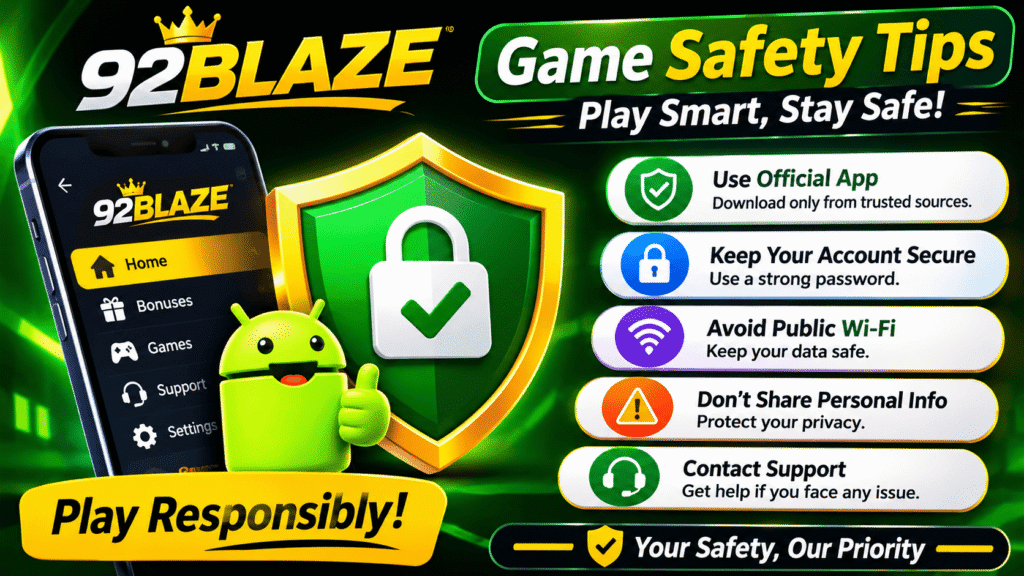
Safety should always be a priority when installing an APK file. Before downloading any application, verify the source, check the available version, and make sure your Android device meets the required specifications.
Avoid unofficial or modified files that may contain unwanted content. Keep your device security features enabled and allow only necessary app permissions.
Protect your personal information by using a strong password and keeping verification codes private. Never share account credentials or sensitive details with unknown individuals. Regularly review app permissions and privacy settings for a safer mobile experience.
Customer Services
Users can check the available Help or Support section for assistance with account registration, login difficulties, app installation, and technical issues. Before contacting support, keep relevant error messages or screenshots ready. Never share your password, OTP, or sensitive personal information with anyone. Customer support availability and response times may vary.
Pros and Cons
Pros
- Mobile-focused design
- Different sections to explore
- Simple installation process
- Easy account access
Cons
- Features can change with updates
- Compatibility may differ between devices
- APK sources should be checked carefully
- Some sections may vary by version
FAQs
1. What is 92BLAZE Game?
It is a mobile gaming platform that users can explore through its available application or supported web interface.
2. How can I download the APK?
Check a trusted download source, review the available file information, and make sure it is compatible with your Android device.
3. How do I register a new account?
Open the registration page and follow the on-screen instructions. Enter the required details carefully.
4. What should I do if the app stops working?
Check your internet connection, restart the application, and make sure your device has enough storage space.
5. Are promotional bonuses available?
Promotional offers may vary. Read the applicable terms, eligibility requirements, and conditions before participating.
6. How can I keep my account secure?
Use a strong password, avoid sharing personal information, and never disclose your login credentials or verification codes.
7. Where can I get technical support?
Visit the available Help or Support section to check contact options and find assistance with account or technical issues.
Conclusion
92BLAZE Game provides a mobile-focused way for users to explore different gaming and entertainment sections. This guide covered app information, the latest version, Android download, installation, account setup, login, features, categories, and basic transaction details.
Before downloading any APK, check its source, version, and compatibility with your device. Keep your account information private and review the latest terms and conditions before using available features.
Beginners can start by checking the basic requirements and following the installation steps. After setup, they can explore the available sections and options according to their interests.
Disclaimer
This article about 92BLAZE Game is for informational purposes only. We are not affiliated with the app developers. Always verify app details, permissions, privacy policies, and terms before downloading or using the platform. Play responsibly and protect your personal information.
What's new
92BLAZE Game provides Android users with a simple way to explore mobile gaming features and app information. Before downloading, review the available version details, device compatibility, installation requirements, and safety guidelines. Always use trusted sources and check the platform's terms and privacy information for a better-informed experience.